HD3: the classroom help desk, eight years and three generations in

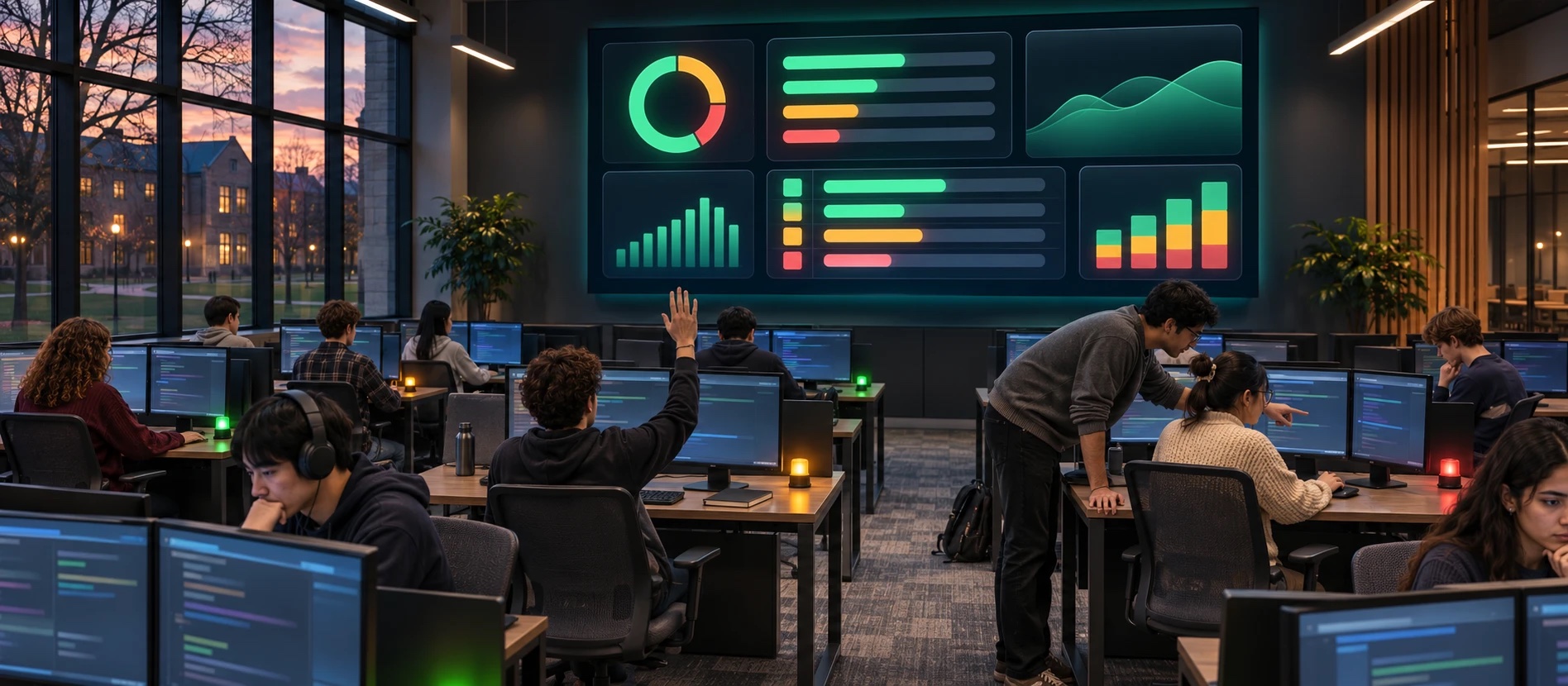
Before there was a classroom system, there were help desks. Real ones, built for BOCES and for whole school districts: tickets, queues, technicians, the "have you tried turning it off and on again" pipeline at full scale. Those systems worked. So it was only a matter of time before someone looked around a computer coding classroom and noticed it had the exact same problem in miniature. Twenty-some students, one instructor, and a lot of hands in the air.
That someone went looking for a classroom management tool that handled it, found nothing that fit, and built one. That was about eight years ago. The district help desk got a little sidekick, and the sidekick kept growing.
This is the HD side of the HD3 & Curriculum project. The curriculum posts cover what gets taught. HD is what keeps the room running while it gets taught.
Eight years, three generations
Version 1 was the help queue: a student clicks Request Assistance, the request lands on a list, and someone comes to help. Version 2 added nearly everything else, and it is still running classes today. Somewhere along the way a version 3 was started, got about halfway, and quietly stalled. Every long-lived project has one of those in the basement.
HD3 is the real third generation, rebuilt from the ground up. Before a line of new code was written, the old system got read end to end: 64 pages, 13 includes and 85 databases, plus live checks of every screen. That turned into a feature map with 15 sections and 45 numbered decisions, each with options and a recommendation, answered one by one. Keep, fix, rebuild or drop. When all 45 had an answer, the build started. The first full build was up and running, on test data, the same day.
What's actually in the box
For something that started as a help button, the list is long:
- The help queue, still the heart of it. One open request per student per day, a live list with a running timer, and when it's resolved you pick who helped. Second-year students get credit for helping first-years, which turns out to be one of the best teaching tools in the building.
- A daily check-in the first time a student opens the dashboard: how much they slept, how they're doing, and what they're happy about since last time. Journals stay locked until it's answered, which is how you get a 100% response rate without nagging.
- Journals, two per school day in Computer Coding: what project, how long, and what got done. They add up to project hours automatically, so nobody keeps a second spreadsheet.
- Lessons with questions, attachments, optional due dates and five statuses from Missing to Passed, plus a new sixth one, Redo, where the teacher sends it back with a note and the student tries again.
- Projects with target hours, a calendar, announcements, a resource library, a leaderboard and student profiles that pull it all into one page.
- A fire drill roll call, because when the alarm goes off, "who's out of the room right now?" is the one question that has to be answered in five seconds.
The classroom is a help desk with better snacks
The district systems taught a few lessons that carried straight over. Every request has a timestamp, so wait times are real numbers instead of feelings. Every resolution has a name on it, so the people doing the helping get credit. And the queue is visible to everyone, which keeps it honest. A student can see they're third in line and get back to work instead of holding their hand up until their arm goes numb.
The same thinking shows up in the "Missing Journals" box. Students can see which classmates in their session haven't logged today. It sounds like a small thing. In practice it's peer accountability that runs itself, and it is a lot more effective than the teacher saying it again.
What the rebuild fixed
Eight years of growth leaves marks. The school year was hard-coded, so the system needed a nudge every summer; now it works the year and marking period out from the date. Login codes were visible in places they shouldn't have been; now they sit encrypted behind a staff-only Reveal button. Deleting something used to mean gone forever; now deletes are soft and can be undone. A handful of other security issues got closed along the way, quietly, the way you'd want them to be.
The old interface leaned on about 25 outside libraries. HD3 uses its own CSS, ten themes, a visual editor for each course's dashboard layout, and live widgets that update in place instead of reloading the page every 30 seconds. Every page was checked as eight different test roles across both courses before anyone real logged in.
What got cut, on purpose
Not everything made the trip. Task manager, forums, a planbook, lesson emails and an old chat panel all got honest reviews, and all of them were left in the archive. Some were last used years ago. One table of peer rubric grades dates back to 2018, which is a nice way of confirming the "eight years" part. Cutting things is underrated. Every feature you don't rebuild is one you don't have to maintain.
The loop, again
If you read the curriculum posts, this will sound familiar. The lessons point to what students need. HD shows where they actually are: who asked for help, who's behind on journals, who slept four hours, whose project is short of its target. That shapes the support, which shapes the next lessons. The wish list keeps writing itself here too, mostly from the instructor's side of the room. "Could the admin home show who's under their project target?" It does now.
What's next
The next big step is retiring version 2 for good. The migration tool that brings two years of real data across is built, and its full test run kept every page under a second. Then comes the part every help desk veteran knows: the go-live, the first Monday, and the first ticket that starts with "so I clicked something."